
The #1 scanning and document management platform
145M+ downloads worldwide
145M+ downloadsworldwide
- App Store4.83.9M Ratings
- Google Play4.7562K Reviews
 4.9out of 5
 4.9out of 5
 4.9out of 5
Turn any document into a crisp, searchable PDF — scan it, sign it, edit it and send it without leaving your phone.
Everything in one app
iScanner is your all-in-one document editor
Everything a scanner, a PDF editor and a filing cabinet used to do — in one app, on the phone already in your pocket.
- Auto-detected borders and auto-perfect scans, every time
- Text recognition (OCR) in 30+ languages, fully searchable
- Sign, fill and edit PDFs without printing a page
- One-tap ID, passport and receipt modes
- PIN-locked documents and encrypted cloud storage
- Export as PDF, JPG or TXT — or sync across all your devices
Industry recognition
Awarded by the people who test apps for a living
Gold at the Best Mobile App Awards, a Webby People's Voice win, a Lovie Gold, and Pradeo's Most Secure Android App.




Why iScanner
Why people choose iScanner?
AI-Powered Document Management
Borders are found for you, scans are auto-corrected, and text is recognised in 30+ languages. Sign, fill and export without leaving the app.
100% Safe and Secure
Lock any document behind a PIN and keep it in encrypted cloud storage. iScanner is a Pradeo-awarded Most Secure Android App.
Save Time and Save Planet
No printer, no courier, no paper pile. Scan, sign and send in a minute — and keep the paperwork out of the bin entirely.
iOS and Android compatible
One subscription covers every device you own. Documents sync in real time, so a scan you take on your phone is on your laptop already.
Users love iScanner
Hear from our iScanner users
Real reviews, as published on iscanner.com.
“I have been using the app for over five years and it works perfectly every time. It has never frozen on me the way other scanners did.”
 SklaraiScanner user
“A great tool with instructions that are easy to follow. I scanned my documents and emailed them within minutes.”
 Ty LeaMBA, Realtor
“Extremely easy to use, and it gives you every option you could possibly need to get through a pile of clerical work.”
 JulieboothiScanner user
“The moment I started using this app I knew it was a keeper. No tutorial needed, nothing to get frustrated about — it just scans.”
 TracyTrudganiScanner user
How it works
Three steps, about a minute
- 1
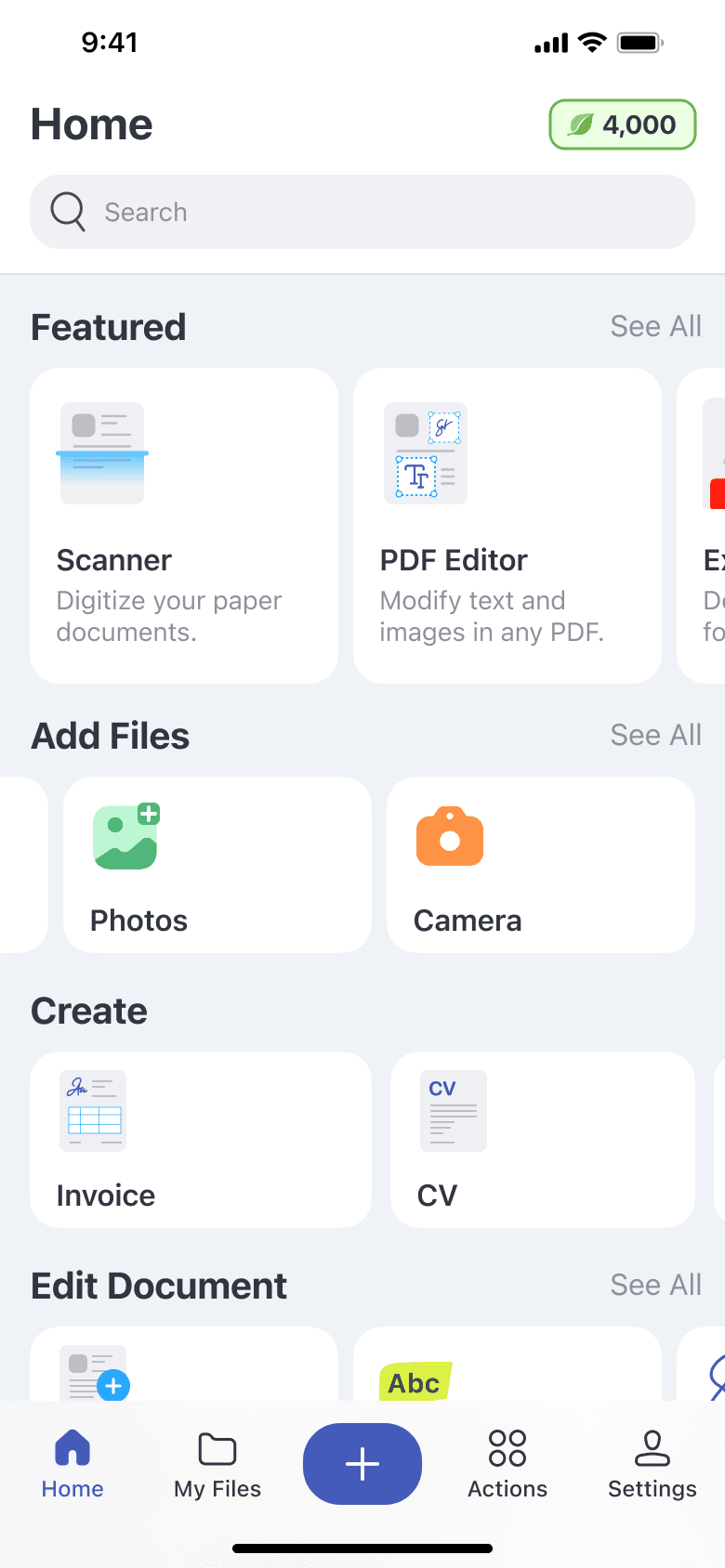
Install iScanner
Just install iScanner on your phone and work with documents anywhere — your discount is attached to your account and follows you into the app.
- 2
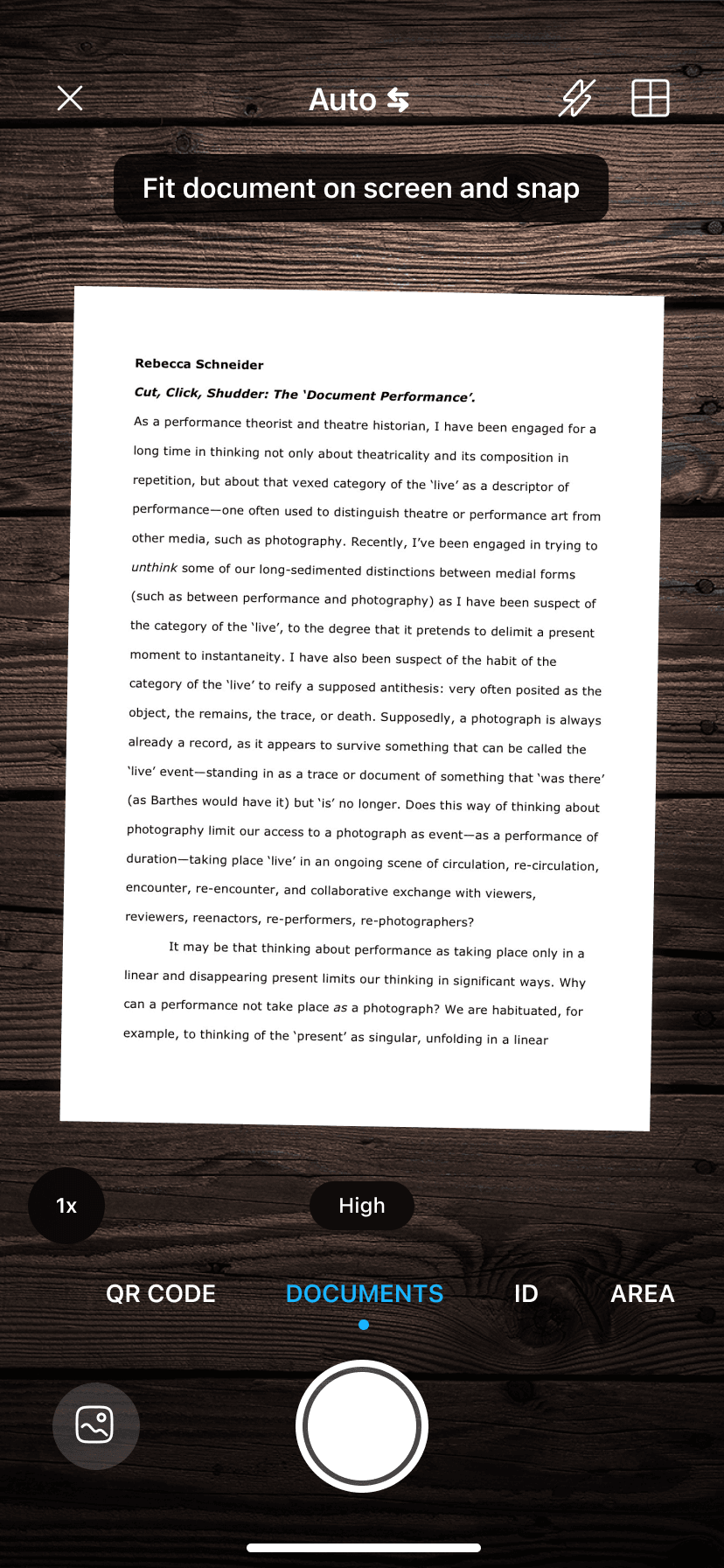
Scan and edit
Point the camera at a document — borders are detected automatically. Crop, recolour, sign or recognise the text in a tap.
- 3
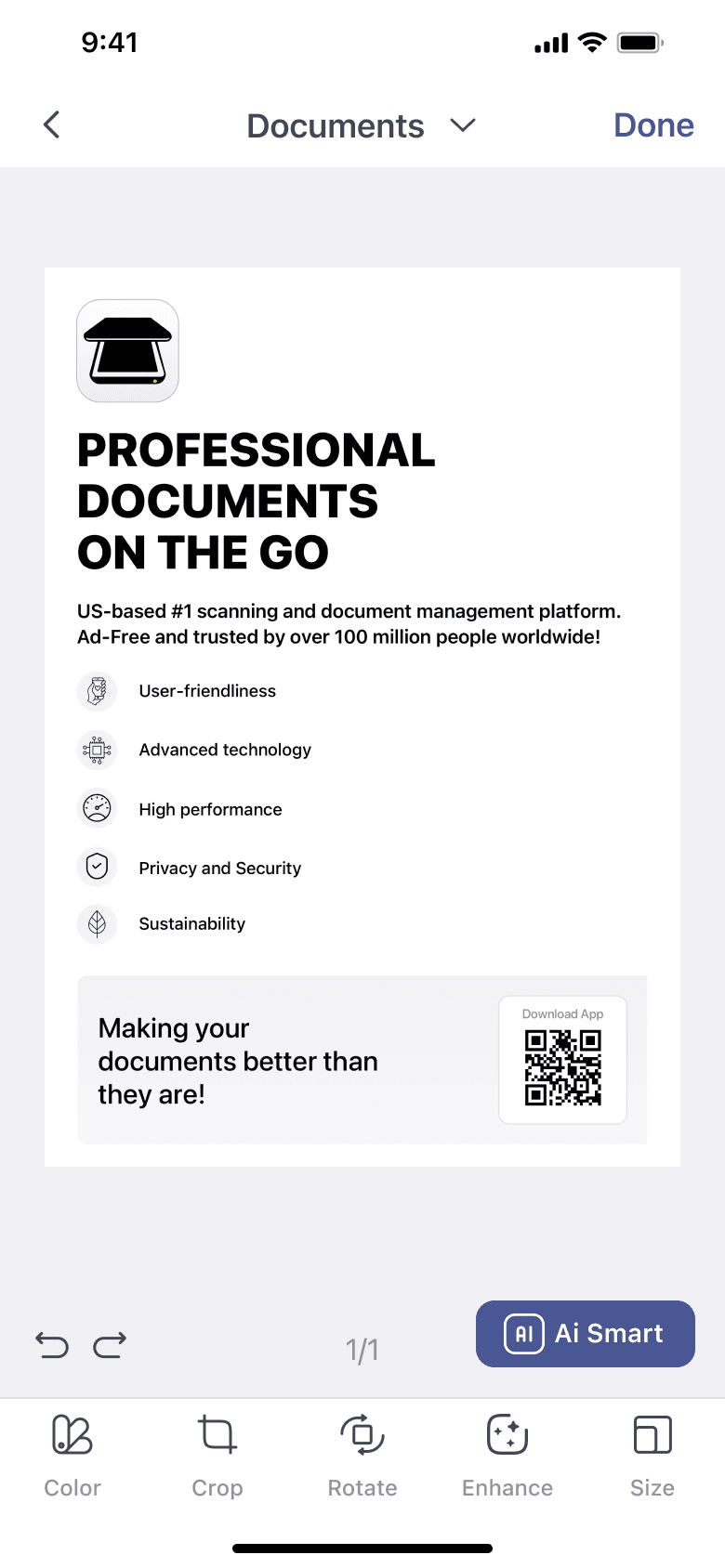
Download and send
Export as PDF, JPG or TXT, send it by email, or sync it to the cloud and pick it up on any other device.
Questions
Frequently asked questions
- Open the app, tap the button at the bottom of the screen and choose Camera. Pick what you're scanning — Documents, ID Card or Passport — and aim at the page. iScanner detects the borders and takes the photo for you.
- Yes. Documents are scanned in black and white by default; tap the colour wheel in the bottom bar of the Scan Settings screen to switch to greyscale or full colour, and to fine-tune brightness and contrast.
- Open the document and tap Edit. From there you can adjust borders, crop and rotate pages, correct distortion, change the colour mode, add a signature, set a PIN and recognise the text with OCR.
- Open the document and tap Share. Export as PDF, JPG or TXT, email it, send it to the Fax app, or push it to a cloud service — all from the same sheet.
- Yes. iScanner comes with secure cloud storage that syncs items and folders in real time, so you can open and manage documents from any platform or web browser. One subscription covers all of your devices.
- Yes — your subscription is tied to your account, not the handset. On a new iPhone, open app Settings and tap Restore Purchases; on Android sign in with the same account.
- The camera also has QR-code, COUNT (tally similar objects), AREA (measure length and area) and MATH (solve a photographed expression) modes. MATH mode requires a subscription.
Still stuck? Browse the full help center.
Takes a few seconds. Cancel anytime.